Nápad & barva
Krátký impuls.
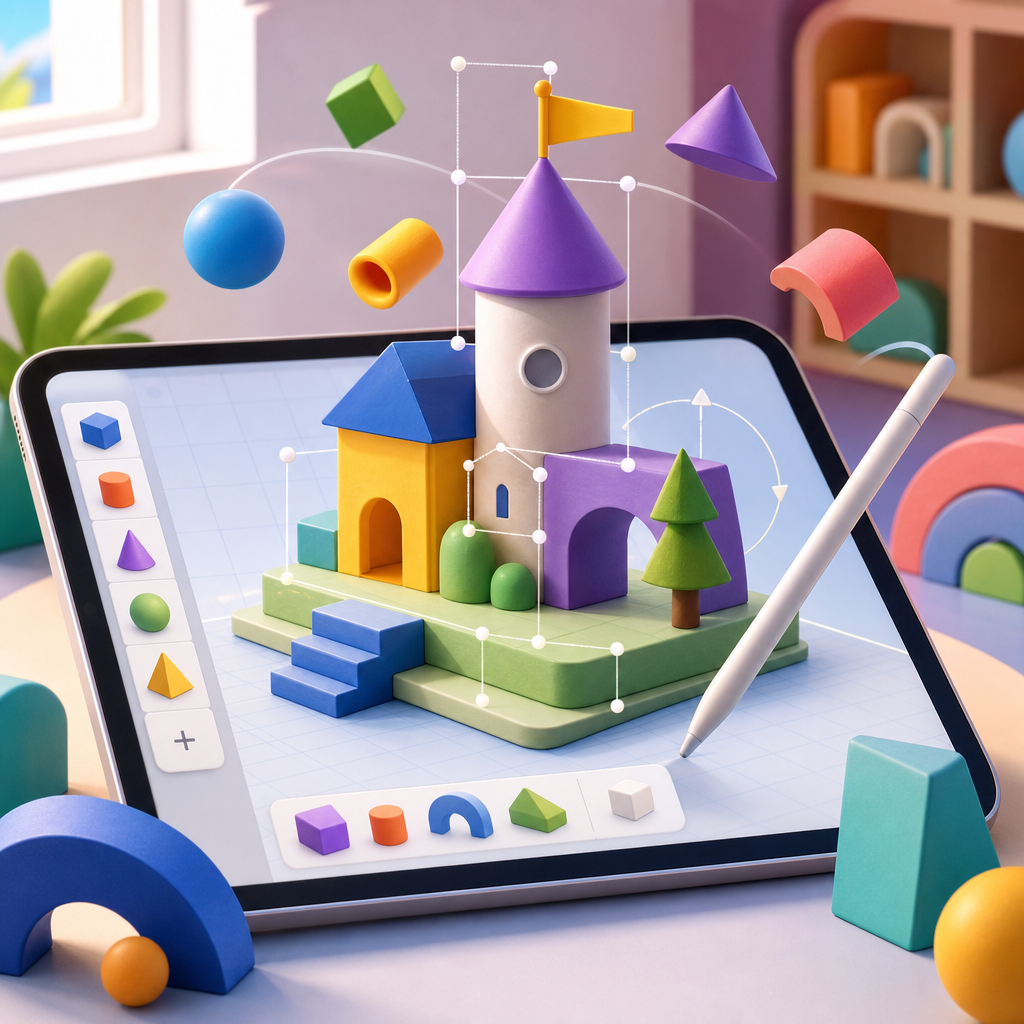
Kreativní kreslení z geometrických tvarů s rychlými úpravami tažením i parametry.
Nápad & barva
Krátký impuls.
Pár tahů
Jednoduše.
Klidný prostor
Bez rušení.
4 při startu
CS, EN, ES, DE.
Proč je děti milují
Děti staví obrázky z tvarů, hned je posouvají a upravují a přitom nenápadně trénují tvořivé myšlení.
Kruhy, trojúhelníky i obdélníky skládáte jako stavebnici a rychle z nich vznikne obrázek.
Velké úchyty usnadní posun, otočení i změnu velikosti a barvy bez složitých kroků.
Děti si přirozeně osahají úhly, symetrii i barvy a rostou v jistotě při tvoření.
Jak to funguje
Aplikace promění základní tvary v hravou stavebnici. Děti skládají obrázky z kruhů, čtverců a trojúhelníků, zkouší různé barvy a vrstvy a objevují nové kombinace. Tažením i posuvníky snadno mění velikost, natočení i odstín, zatímco rodiče mají jistotu, že vše je přívětivé, bezpečné a podporuje tvořivost.
Co se děti naučí
Vizuální myšlení, práci s barvou, kombinování tvarů a odvahu zkoušet nové nápady v bezpečném prostředí.
Začněte kruhem, čtvercem nebo trojúhelníkem a přidejte barvu z jemné palety. Děti se hned pustí do tvoření.
Tažením nastavíte polohu a velikost, posuvníky upravíte natočení i barvu. Vše je jasné a okamžitě viditelné.
Vrstvěte tvary, míchejte odstíny a objevujte nové kombinace. Každý obrázek může být úplně jiný.
Uložte obrázek nebo ho ukažte rodině a kamarádům. Každá kresba je malá oslava kreativity.
Pro rodiče
Aplikace je navržena s ohledem na důvěru rodičů: podporuje soustředění, bezpečí a rozvoj dovedností bez zbytečných rozptylování.
Klidné rozhraní bez rušivých prvků a s jasnými pravidly pro děti.
Pomáhá rozvíjet prostorové vnímání, logické myšlení i kreativitu.
Jednoduché a srozumitelné pro společné tvoření i samostatnou práci.
Využitelná pro kreativní aktivity i práci s geometrií ve třídě.
Inspirace pro malé tvůrce
Krátké, hravé příklady ukazují, jak se z jednoduchých tvarů a veselých barev rodí nápady, které děti zvládnou hned. Stačí pár kruhů, obdélníků a trojúhelníků – a je čas experimentovat.
Jak to číst:
Každá úroveň má několik nápadů. Děti mohou tvary tahat, měnit velikost i barvy a postupně přidávat detaily. Rodiče tak snadno uvidí, co je vhodné pro začátek i pro zvídavější děti.
Usměvavé sluníčko
Jeden velký kruh, malé paprsky a veselý obličej.
Domeček s okny
Obdélník jako stěny, trojúhelník na střechu a dvě okénka.
Balónek na provázku
Ovál, tenká čára a mašle z malých trojúhelníků.
Robot kamarád
Krabička, čtvercové oči, antény a barevné tlačítka.
Loďka na vlnách
Trup z trapezu, plachta z trojúhelníku a kruhy jako vlny.
Zahradní kytička
Kruh uprostřed, okvětní lístky, stéblo a listy.
Vesmírná raketa
Tělo z oválu, plameny z kapek a okénka jako malé kruhy.
Zvířátko z farmy
Tělo z oválu, hlava z kruhu a nožky z obdélníků.
Duhové hřiště
Více oblouků, skluzavka z trojúhelníků a zábradlí.
Tip na hraní:
Povzbuzujte děti, ať si k obrázku přidají vlastní barvy nebo nový tvar. Každý výtvor je správný, když vychází z jejich fantazie.
FAQ
Stručné odpovědi pro rodiče i školy: jak děti tvoří, komu je aplikace určená a co přijde později.
Jazyky při spuštění
Čeština, angličtina, španělština a němčina. Další přidáme podle zájmu.
Pro děti a jejich rodiny; klidné a bezpečné prostředí. Hodí se i do tříd a kroužků.
Základ tvoří jednoduché tvary. Děti je skládají, mění velikost i barvy a tvoří vlastní obrázky.
Ano. Přetahování, otáčení i posuvníky jsou jednoduché a přehledné.
Ano. Start je rychlý a intuitivní, bez složitých kroků.
Ano, je vhodná pro výuku i skupinovou kreativitu.